
Summary
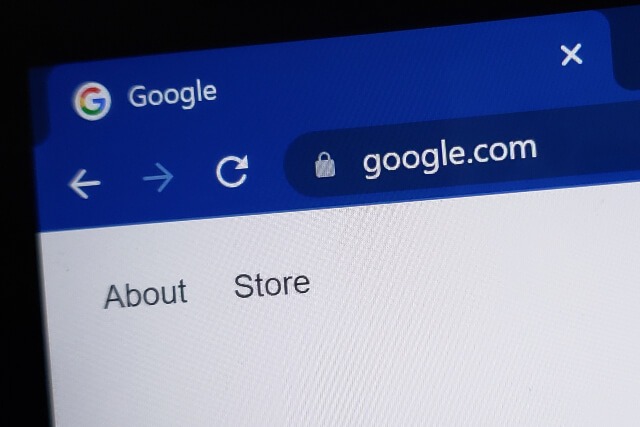
The padlock icon in your browser indicates that a website has an SSL certificate, which helps verify the site’s identity and encrypts data transmitted between your browser and the website. While SSL is an important security feature that protects sensitive information like passwords and credit card numbers, it is only one part of website security and does not protect against malware, compromised devices, or all forms of cyber threats.
That little padlock in our browser bar – we’ve all seen it while shopping online and have been warned by our banks to look for it. But what does that little padlock really mean? Most people will tell you it means the website is “secure”. But what does that mean? Secure?
That little padlock indicates the presence of an SSL Certificate. Other ways this may be indicated are the change from http:// to https://or a green browser bar. An SSL Certificate serves two purposes:
- Validate the authenticity of a website
- Encrypt data as it flows to and from your website
Establishing Authenticity
Your SSL Certificate serves as your online “passport” for your website. It validates for your customers who you are and establishes a secure connection for them to share important data. In order to authenticate your website your SSL Certificate will contain the following information:
- The certificate holder’s name (individual or company)
- The certificate’s serial number and expiration date
- A copy of the certificate holder’s “public” cryptographic key
- The digital signature of the Certificate-issuing authority
Encrypting Data
No one wants to do business with a company they can’t trust. Customers not only want, but expect you to keep their information protected. Encrypting important information such as credit card numbers, account user names, and passwords scrambles data as it travels from the browser to the server. Unscrambling the data so it can be read requires the encryption key.
It is important to remember that an SSL Certificate is only a piece of the overall security of your website. An SSL Certificate does NOT protect against:
- Encrypted data being intercepted by a third party while in motion
- Malware on the user or website owner’s computer
- Data at rest on the website owner’s server or computer
"It is important to remember that an SSL Certificate is only a piece of the overall security of your website."
Stacey Higdon, Web Designer for Custom Internet Services Tweet
For questions about SSL Certificates or Website Security, please contact us at sales@custominternet.biz or call us at 620-221-3614.
Cybersecurity Training in 3 Minutes A Week?
With weekly videos sent straight to your employee’s inbox, you can be sure that everyone in your organization is strengthening their cybersecurity skills without taking away from productivity!