
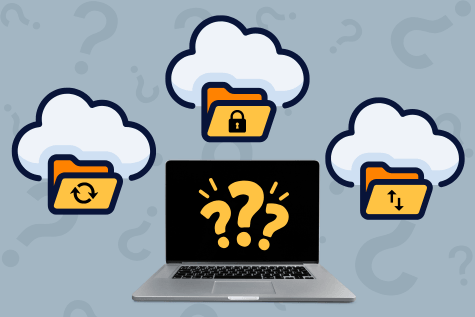
I have cloud storage. Does My Business Still Need Backups?
Many small business owners assume that because their files are stored in the cloud, they’re fully protected. Unfortunately, that’s a costly misconception. Cloud storage platforms like Google Drive, Dropbox, and OneDrive are designed to make files accessible and synchronized across devices, but they are not a complete replacement for dedicated backups.
Cloud Storage vs Cloud Backup What's The Difference?
- Cloud storage syncs files. Cloud backups protect them.
- Cloud storage mirrors deletions. Cloud backups preserve data.
- Cloud storage can spread ransomware. Cloud backups help you recover.
- Cloud storage offers limited recovery. Cloud backups are built to restore.
- Cloud storage supports collaboration. Cloud backups support business continuity.
How Do I Setup Cloud Backups For my Small Business?
Our team specializes in designing and implementing small business backup solutions that protect your data, your employees, and your business. We’ll assess your current environment, identify backup vulnerabilities, implement reliable cloud backups, and create a recovery plan that works when you need it most.
Protect your business before a mistake, outage, or cyberattack puts your data at risk. Contact us today to get started.